
AI Accounting: What It Is, What It Can Do, and How to Use It in 2026
AI accounting uses artificial intelligence — machine learning and generative AI — to automate everyday financial work like bookkeeping, bank reconciliation, and categorizing transactions, so you spend less time on data entry and more time running your business. An AI accounting assistant can answer plain-English questions about your numbers, draft invoices, estimate taxes, and explain your financial reports around the clock, and according to the Wikipedia overview of artificial intelligence, this kind of software falls under machine learning applied to a specific professional domain.
Adoption is now mainstream — 92% of accounting professionals report using AI in some form, according to a 2026 State of AI in Accounting survey of nearly 600 professionals. But AI is a tool that assists you and your accountant; it is not a licensed CPA and does not replace professional advice for filing, audits, or major financial decisions. Every task below should still pass through a human reviewer before it touches a tax return or a bank filing.

What Is AI Accounting?
AI accounting in plain English
AI accounting means using artificial intelligence to record, organize, analyze, and explain financial data. Under the hood sit four branches of the same field: machine learning, which learns your transaction patterns over time; neural networks and deep learning, which power pattern recognition on scanned documents; and generative AI, which understands and answers questions in plain English rather than spreadsheet formulas. Research from MIT Sloan found that generative AI can lift a knowledge worker’s performance by nearly 40% when used within the tool’s actual capabilities — but performance can drop by an average of 19 percentage points when it is pushed into tasks outside those limits, which is exactly why finance teams still need a human checking the output.
From automation to AI agents
Older bookkeeping automation followed fixed rules: if a transaction matched a pattern, it got coded a certain way, and anything unfamiliar stalled the process. Today’s agentic AI — sometimes branded as an “AI financial superagent” — reads a document, extracts the data, codes it, matches it against the ledger, and flags exceptions on its own, handling a whole workflow rather than a single step. Industry estimates suggest that more than 80% of the mechanical work in individual tax-return preparation can now be automated, though a preparer still signs and files the return. Agentic AI accounting still needs the same safeguards as older automation: clear rules for what it can approve versus what it must escalate to a person.
What Can an AI Accountant Do?
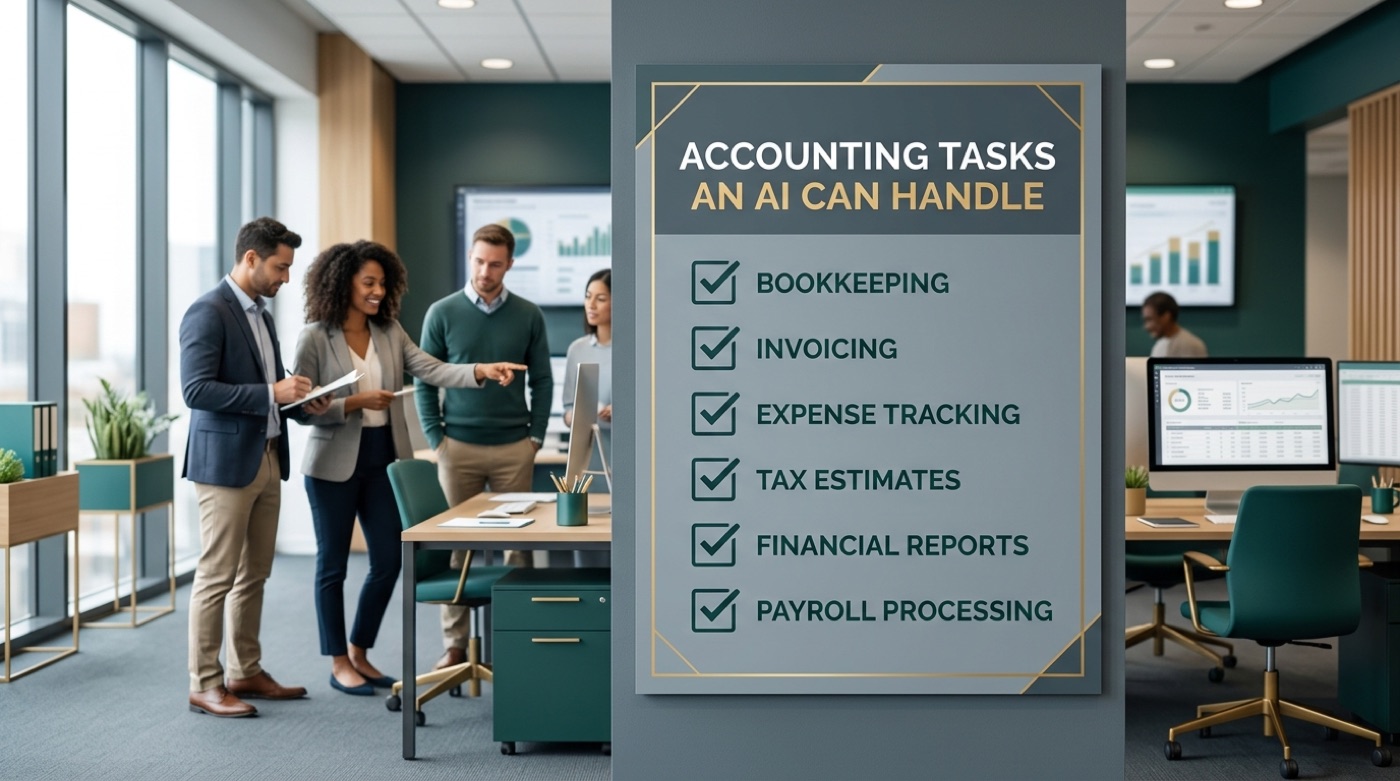
AI accounting software already covers most of the repetitive tasks that used to eat a bookkeeper’s week. The list keeps growing as vendors add agentic features, but the core set is stable enough to plan around, whether you are running a two-person shop or scaling a growing company’s back office.
- Bookkeeping and transaction categorization, sorting expenses into the right accounts automatically
- Bank reconciliation, matching statement lines to recorded transactions
- Data capture and OCR of receipts and bills, pulling line items straight into your books
- Invoicing and payment reminders, generated and sent without manual follow-up
- Expense tracking across cards, apps, and reimbursements
- Tax estimates and preparation support ahead of filing season
- Financial reports — profit and loss, balance sheet, and cash flow statements
- Cash flow forecasting based on historical patterns
- Fraud and anomaly detection that flags transactions outside a normal range
Vendors report that AP invoice scanning now runs at roughly 99% accuracy on legible documents, and several case studies show AP and AR processing costs dropping by 60–81% once the routine steps move to an AI accounting software pipeline. That is a meaningful swing for a small business watching every line of overhead.
What it looks like for a small business
In practice, this means categorizing a month of transactions in minutes instead of an afternoon, catching a duplicate invoice before it gets paid twice, getting a rough estimate of next quarter’s tax bill, and getting a straight answer to “am I profitable this quarter?” without opening a spreadsheet. None of that changes what records you are legally required to keep — the IRS recordkeeping guidance for businesses still applies whether a human or an AI accountant categorized the entry.

The Benefits of AI Accounting
Save time and money. Analyst estimates put gross time savings from AI-assisted accounting work at roughly 5.4 hours per week for a typical professional, and users of AI-enabled practice-management tools report averages closer to 18.5 hours per week once workflows are fully automated. Separate research from Intuit found that 74% of small businesses using AI report a measurable productivity boost. Multiply either figure by a bookkeeper’s hourly cost and the case for automated accounting starts to make itself.
Fewer errors, better visibility. Consistent, rules-based processing catches duplicate charges and miscategorized expenses that a tired human eye might miss on the fifth review of the month. Real-time dashboards also give owners a clearer, always-current view of cash flow, which matters more for day-to-day decisions than a report that was accurate three weeks ago.
| Benefit | Reported impact |
|---|---|
| Time saved per week (general estimate) | ~5.4 hours |
| Time saved per week (heavy AI users) | ~18.5 hours |
| Small businesses reporting a productivity boost | 74% |
| AP/AR processing cost reduction | 60–81% |
| AP invoice scanning accuracy | ~99% |

How Much Does AI Accounting Cost?
Pricing spans free basic tiers to enterprise-grade platforms, so the right budget depends on how much of the workflow you want automated. Full accounting suites with built-in AI features, like QuickBooks, currently run from roughly $20/month for a solo-owner plan up to around $275/month for the top advanced tier, with mid-range plans in between; promotional introductory pricing can bring the entry tier close to $19/month for the first few months. BILL’s automated payables and receivables plans run in four tiers, roughly $49 to $89 per user per month, with a custom-priced enterprise tier above that. Standalone AI accounting assistants often stay free for basic questions and simple lookups, then charge a subscription once you want advanced features like deep forecasting or multi-entity support.
| Tool type | Typical monthly cost |
|---|---|
| Full accounting suite (e.g., QuickBooks tiers) | ~$20 – $275 |
| AP/AR automation (e.g., BILL) | $49 – $89 per user |
| Standalone AI accounting assistant | Free basic, paid upgrades |
| Enterprise AI-in-ERP add-ons | Custom / quote-based |
An AI accounting assistant is far cheaper than paying an accountant’s hourly rate for everyday questions about your numbers — but you should still budget for a CPA or Enrolled Agent at tax time, especially once your filing gets more complex than a standard return.
Is AI Accounting Accurate and Safe?
Accuracy improves — but check the output
AI accounting tools are highly consistent on pattern-based work such as reconciliation and categorization, and they keep improving as they see more of your data. Where they still stumble is on unusual, first-time, or edge-case transactions — a one-off asset sale, an unfamiliar vendor, an expense split across departments. A trained reviewer catches what the model has never seen before. Data quality is the foundation underneath all of it: an AI accountant is only as reliable as the bank feeds, receipts, and prior entries it learns from.
Keeping your financial data secure
Financial records are sensitive, so before connecting a live bank feed to any AI accounting software, check a few basics:
- Does the vendor publish a current SOC 2 report or an equivalent recognized security standard?
- Is data encrypted both in transit and at rest?
- Can you see exactly which third parties the tool shares data with?
- Is there a clear process for revoking bank-feed access if you stop using the tool?
The FTC’s data security guidance for small businesses is a useful baseline checklist even outside the accounting context — access controls, encryption, and vendor vetting apply just as much to a bookkeeping app as to any other system holding customer or financial data.
Former SEC Chairman Arthur Levitt warned about exactly this risk back in 1998, in a speech that still shapes how the profession thinks about financial reporting integrity:
Managing may be giving way to manipulation; integrity may be losing out to illusion.
Arthur Levitt, “The Numbers Game,” SEC Chairman, 1998
That warning predates AI accounting by decades, but it explains why human review of automated numbers is not optional — trust in the underlying figures is the entire point of keeping books in the first place.

AI Accounting vs a Human Accountant
Will AI replace accountants?
No — current evidence points firmly the other way. AI handles routine, repeatable processing well, but it cannot replicate professional judgment, empathy with a client’s actual situation, or strategic advice tied to a business’s specific goals. The role of the accountant is shifting toward advisory work rather than disappearing. Surveys from Thomson Reuters found that roughly 21% of tax firms already use generative AI in some part of their workflow, with another 53% planning to adopt it — a clear signal that firms see AI as a complement to staff, not a replacement for them.
When you still need a licensed CPA or EA
AI accounting is informational and educational — it is not a substitute for a licensed accountant. For filing tax returns, handling audits, responding to IRS notices, choosing an entity structure, or making binding financial decisions, work with a licensed Certified Public Accountant or Enrolled Agent. AI accounting software and AI accounting assistants help you prepare, organize, and understand your numbers; a qualified professional reviews the work and signs off where the law requires it.
The Best AI Accounting Tools in 2026
A handful of platforms lead the category, each with a different focus:
- QuickBooks (Intuit Assist) — categorization, reconciliation, and plain-English report explanations built into the accounting suite most small businesses already use.
- Xero (JAX and Hubdoc) — an agentic “superagent” for reconciliation and document capture, plus Analytics Plus for cash-flow forecasting.
- Vic.ai — specializes in AP automation, reading and coding vendor invoices with minimal manual touch.
- Dext — focused on receipt and bill data capture, feeding clean data into whatever ledger you already run.
- Docyt — real-time bookkeeping automation aimed at multi-location and franchise businesses.
- NetSuite — enterprise ERP with AI features layered across financials, inventory, and reporting for larger organizations.
A conversational AI accounting assistant complements all of the above by sitting on top of your existing books and answering plain-English questions — “what did I spend on software last quarter?” — without you needing to open the underlying software at all.

How to Start with AI Accounting
Getting started does not require ripping out your existing accounting stack. Most small businesses can move through the following five steps in a matter of weeks:
- List your repetitive financial tasks — the ones you or your bookkeeper do the same way every month.
- Estimate how much time each task actually takes over a typical month.
- Start with the single highest-effort task first, usually categorization or bank reconciliation.
- Turn on the AI features already included in QuickBooks, Xero, or your current software, or try a free AI accounting assistant for quick questions.
- Keep a human review step in place for anything unusual, high-value, or tax-related.
Most businesses see measurable time savings within the first few weeks of turning on AI features; a broader shift in how the finance function operates — moving staff toward advisory work — tends to play out over three to six months. For the fundamentals of managing small-business finances alongside any new tool, the SBA’s guide to small business financing and money management is a solid, vendor-neutral starting point.
Frequently Asked Questions
- What is AI accounting?
AI accounting uses artificial intelligence — machine learning and generative AI — to automate and assist with bookkeeping, reconciliation, categorization, invoicing, tax estimates, and financial reporting, and to answer questions about your numbers in plain English.
- Can AI do my accounting for me?
AI can automate most routine bookkeeping and give you real-time insight, but a human should review the output, and a licensed CPA or Enrolled Agent should handle filings and complex decisions.
- Will AI replace accountants?
No. Current evidence points to accountants shifting toward advisory work while AI handles routine processing. AI amplifies expertise; it doesn’t replace professional judgment.
- How much does AI accounting software cost?
From free basic tiers to enterprise plans. Popular software runs roughly $20-$275 per month depending on the tier, and standalone AI accounting assistants often offer free basic Q&A with paid upgrades.
- Is AI accounting accurate and safe?
It’s very consistent on pattern-based tasks and improves over time, but it can miscategorize unusual transactions, so human review still matters. For security, choose tools with recognized standards like SOC 2 and understand how your data is handled.
- What accounting tasks can AI automate?
Bookkeeping and categorization, bank reconciliation, receipt and data capture, invoicing and reminders, expense tracking, tax estimates, financial reports, forecasting, and fraud or anomaly detection.